
Why Agentic AI Needs Dynamic Safeguards
By Raj Sharma
Who this is for: CISOs and security leaders being asked to let AI agents work across sensitive systems.
What’s in it for you: A way to approve agents that touch PHI, financials and customer data without leaving every outbound channel open. You’ll get a simple test for where permissions stop working, a model for rules that react to what an agent already did, and three safeguards you can pilot this quarter.
The one-line version: Permissions decide what an agent can ever do. Dynamic safeguards decide what it should do right now.
The email that passes every check
A clinician asks Claude to pull a care-coordination page from SharePoint. The page contains PHI. Ten minutes later, the same person asks Claude to email a summary of it to a colleague.
Run that second request through your controls. The user authenticated through your IdP. They’re allowed to read SharePoint. They’re allowed to send email. The agent holds valid access to both. Nothing in the email request looks like an attack.
Every check passes, and patient data is now sitting in an outbound email.
That’s the gap this post is about. Your policy isn’t missing a permission. It’s missing a memory.
Permissions answer “ever.” Agents need “right now.”
RBAC, OAuth scopes and least privilege all answer one question: can this identity ever perform this action on this system? It’s a good question. It’s also settled the moment you grant access.
Agents don’t work in single requests. They work in sessions. They read, summarize, look things up and act, often across four or five systems in one conversation. What they’ve already touched changes what the next action means. Sending an email is routine at 9:00. At 9:10, after the agent has pulled a patient record, the same call is a disclosure.
Simon Willison calls the dangerous combination the lethal trifecta: access to private data, exposure to untrusted content, and the ability to communicate externally. An agent with all three can be steered into leaking data. The OWASP Top 10 for Agentic Applications lands in the same place with Tool Misuse (ASI02) and Identity and Privilege Abuse (ASI03). In both framings, no single call is the problem. The sequence is.
A static permission can’t see sequences. It judges each call on its own, and each call on its own looks fine.
The three fixes security teams reach for, and why they stall
When security leaders spot this gap, they usually try one of three things.
Remove the risky tool. Take email and Slack away from the agent. The exfiltration path closes, and so does most of the business value. Teams route around you with personal accounts, and you’ve traded a governed risk for shadow AI.
Require approval on every sensitive action. Put a human in the loop for every send. Within a week, people approve without reading. Approval fatigue turns a control into a click.
Inspect the prompt or infer intent. Classify the request and decide whether it looks malicious. This helps, but it’s probabilistic. Willison puts it bluntly: a guardrail that catches 95% of attacks is “very much a failing grade.” And in our example there’s no malice to detect. A well-meaning clinician asked for something reasonable.
What’s missing is a rule that knows what already happened.
What a dynamic safeguard is
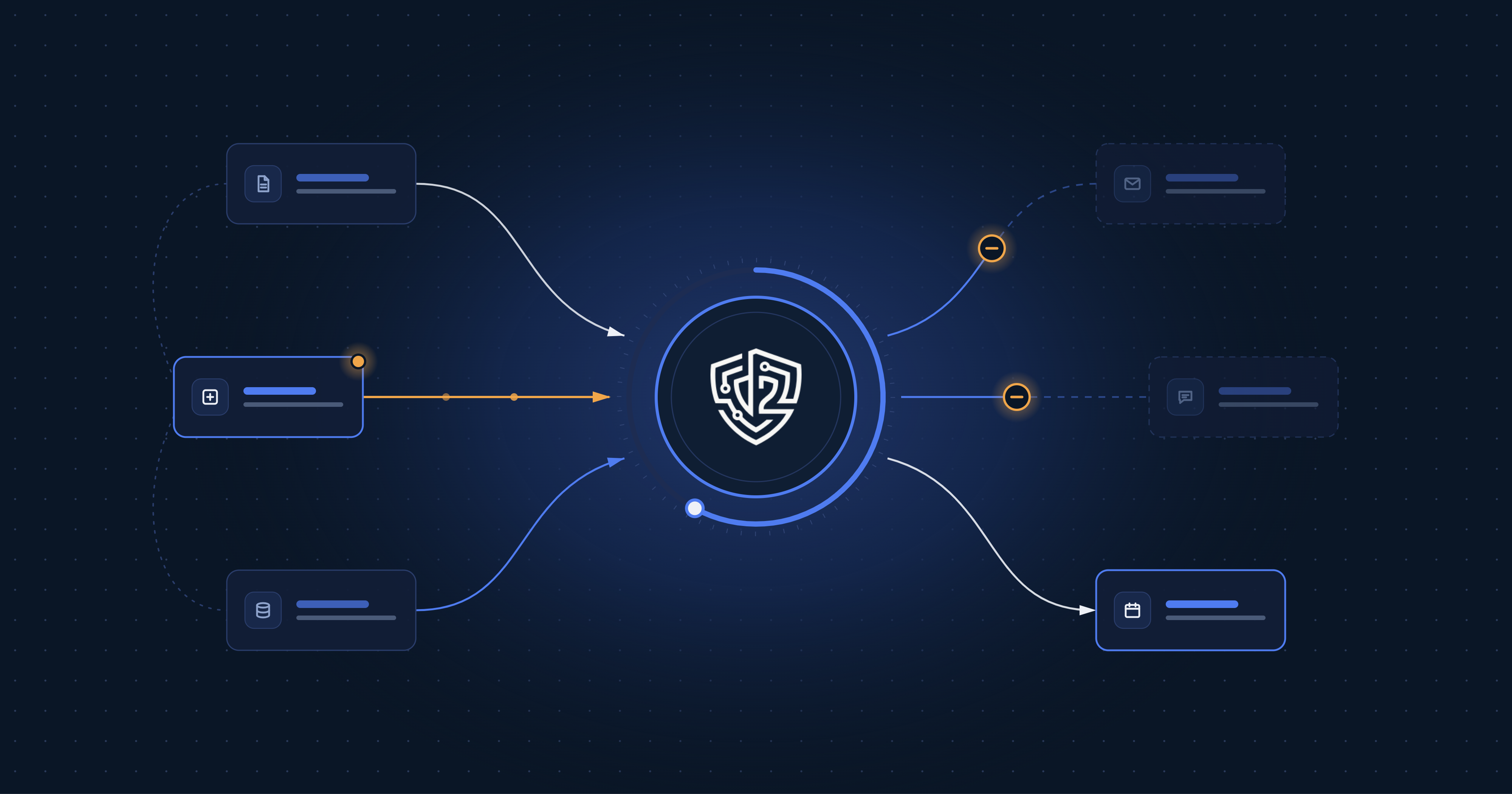
A dynamic safeguard is a policy with memory. It watches for an event in the session, then changes what the agent can do for a set window of time.
Each one has four parts:
- A trigger, the event that switches it on, like PHI entering the session or contacts coming back from Salesforce.
- A restriction, what changes once it’s on: block email, block Slack posts, cap the number of records returned.
- A window, how long it lasts, such as one hour or four.
- An exception path, whether a user can disable the safeguard after re-authentication or whether it is locked.
Here’s how that plays out for three common cases.
| Safeguard | Trigger | Restriction | Window | Exception behavior |
|---|---|---|---|---|
| PHI, then no email | PHI read in the session | Outbound email blocked | 1 hour | Disable |
| PHI, then no Slack | PHI read in the session | Slack posts blocked | 4 hours | Disable |
| Customer contact cap | Salesforce contacts returned | Results trimmed past 100 | 1 hour from first pull | Disable |
Safeguards triggered by the same event can still apply different restrictions and time windows. PHI entering a session might restrict email for one hour and Slack for four, without encoding that nuance into anyone’s role.
The exfiltration nobody meant to cause
The contact cap is where this gets practical for most companies, because the biggest customer-data risk usually isn’t a malicious insider. It’s an agent doing exactly what it was asked, at a scale nobody intended.
A rep asks Claude to “pull our accounts in the Northeast and draft intro emails.” The rep has CRM access, so the agent pulls every matching contact into the session. Now a large slice of your customer list is sitting in an AI conversation, one careless follow-up away from a spreadsheet, a shared doc or an outbound email. No one attacked anything. No permission was exceeded.
A cap of 100 customer contacts per hour stops that from turning into an incident. Ask for 30 with 20 left in the hour and you get the first 20, plus a message saying when you can pull more. The request doesn’t fail, so the rep keeps working. A rep doing normal account research rarely hits the cap. An agent that has wandered into a bulk export hits it almost immediately.
Remember facts. Don’t guess intent.
There’s a growing push to secure agents by inferring intent: modeling what the user is trying to do and judging whether the agent’s next move fits. It’s a useful signal.
Dynamic safeguards can act without needing to know why the agent wants to send an email. They only need to know that PHI entered the session eleven minutes ago. That’s a fact, not a score.
Facts give you controls you can defend. When an auditor asks why an email was blocked at 10:53, the answer is one sentence: PHI was read from SharePoint at 10:42, and the email safeguard was active for an hour. That holds up in a HIPAA or SOC 2 review in a way a confidence score doesn’t.
Intent signals and deterministic safeguards work well together. But the floor of an agent security program should be rules that behave the same way every time.
Safeguards that bend without breaking
The fastest way to lose the business is a control that can’t flex. A care manager who needs to send one urgent summary shouldn’t have to file a ticket and wait a day.
So the exception path matters as much as the restriction. For each safeguard, your team decides whether it’s:
- Locked. No disable. Right for safeguards that should not be bypassed.
- Disable the safeguard. The user re-authenticates to disable it. The safeguard stays off until the triggering action happens again or the original time window expires.
Every disable is logged with the time, the user, the safeguard and the action, and shows up in your Dtwo dashboard.
That changes the conversation with the business. Instead of a silent failure, the user sees: “PHI has been accessed. Sending of emails is restricted for 58 minutes. You may disable this restriction after re-authentication.” They know what happened, how long it lasts and what their options are. You get a clean record of every time someone chose to step past a guardrail, which tells you far more than a pile of blocked requests.
Where to start
You don’t need fifty safeguards. Start with the sequences that map to your biggest exposure.
- Regulated data, then no external send. When PHI, cardholder data or pre-earnings financials enter a session, restrict email, Slack and other outbound tools for an hour. Allow the user to disable the restriction with re-authentication.
- Customer contact caps. Limit how many CRM contacts one session can pull per hour. Allow the user to disable the restriction with re-authentication. Apply the same idea to support tickets and employee records.
- Customer data, then no external send. Once a session has pulled customer records, restrict outbound email and file sharing for the rest of the hour. Paired with the cap, this covers both halves of accidental exfiltration: how much leaves your CRM, and where it can go next.
Pilot with one team. Watch how often each safeguard fires and how often people disable it, then tune the windows. A safeguard that gets disabled constantly is telling you the restriction is wrong, not the users.
Final thought
Agents made “who can access what” necessary but not enough. The question that matters now is what this agent should do next, given everything it has already done.
Static permissions can’t answer that. Rules that remember can.
How Dtwo handles this. You describe the safeguard in plain English, like “block sending email after PHI has been read” or “limit Salesforce contact pulls to 100 per hour.” Dtwo asks how long the restriction should last and whether users can disable it, then builds the safeguard and attaches it for you. Your teams keep using Claude and the apps they already use, and every request runs through your safeguards.